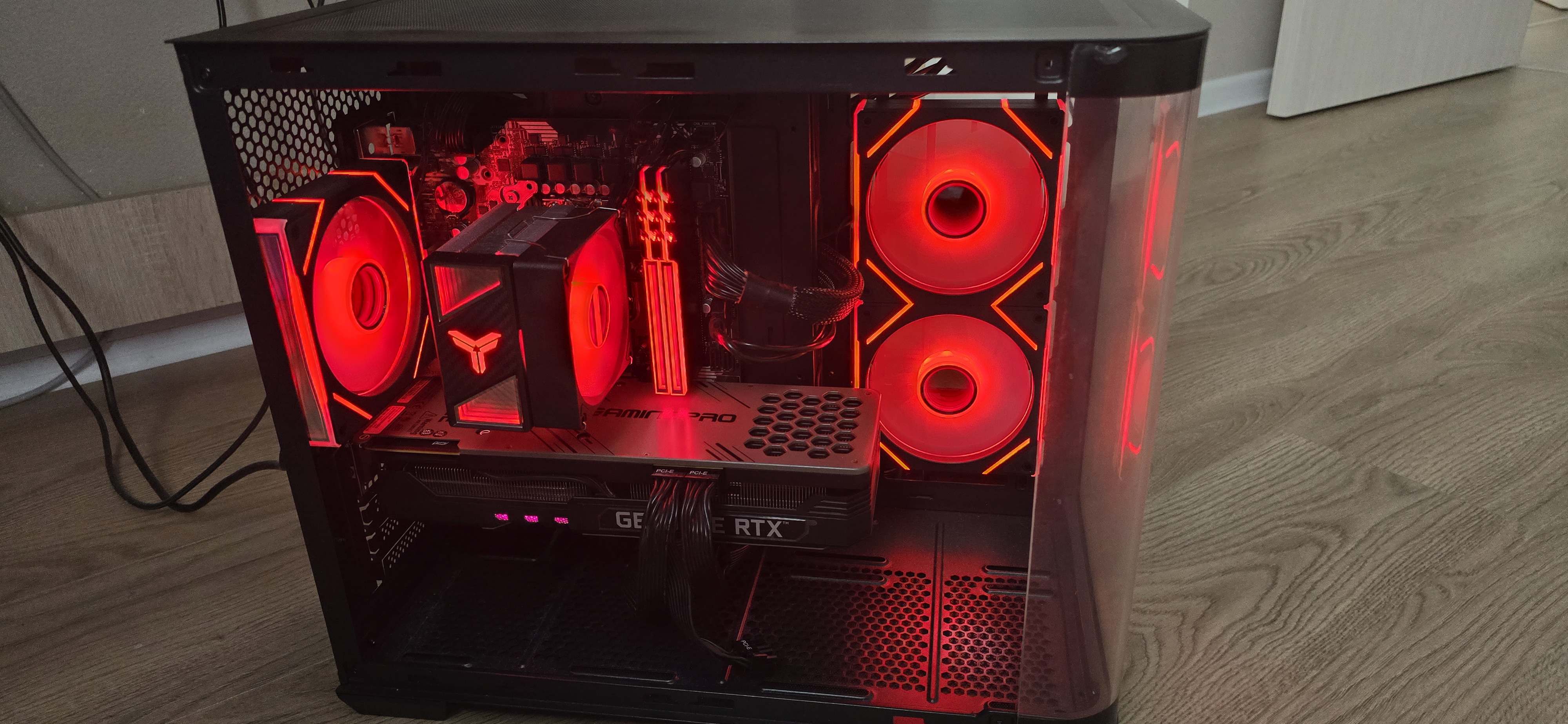
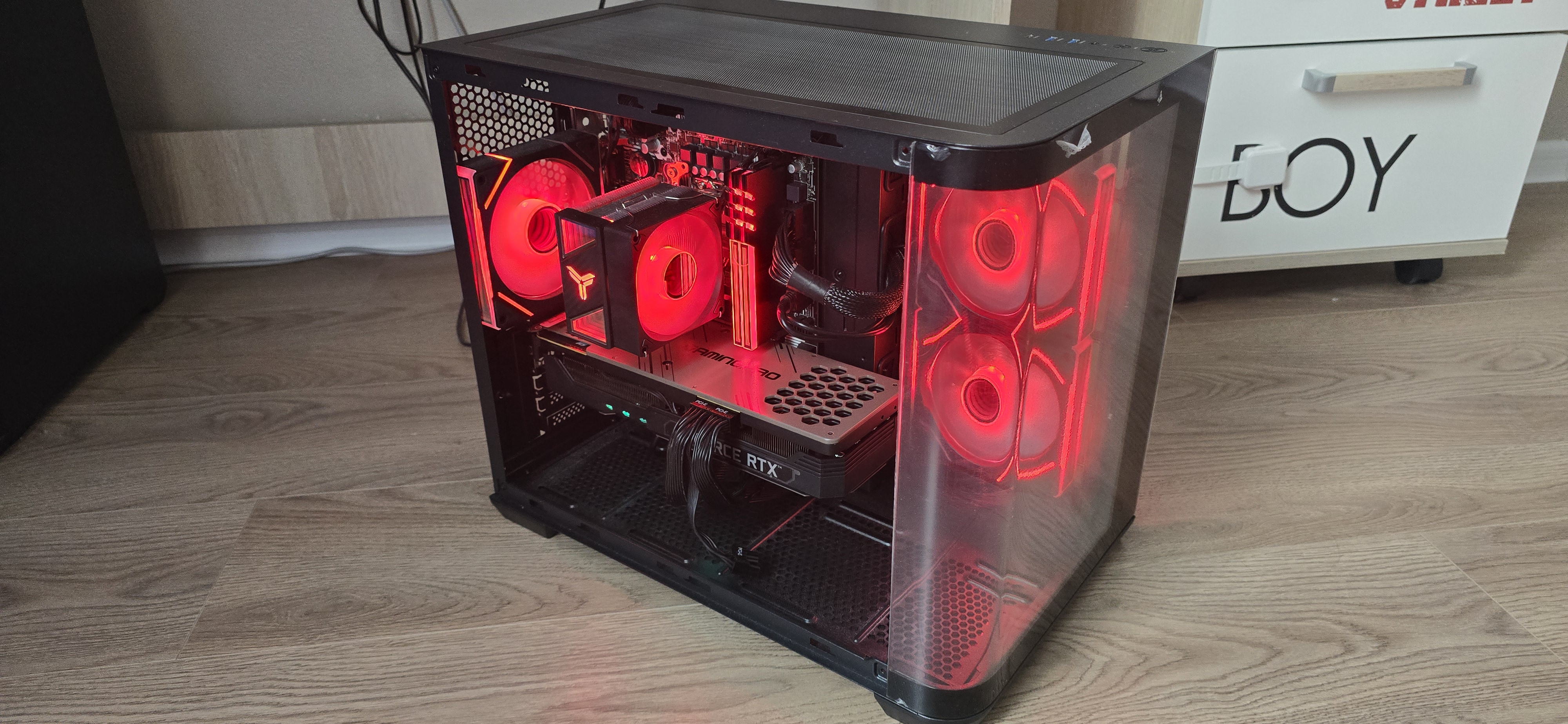
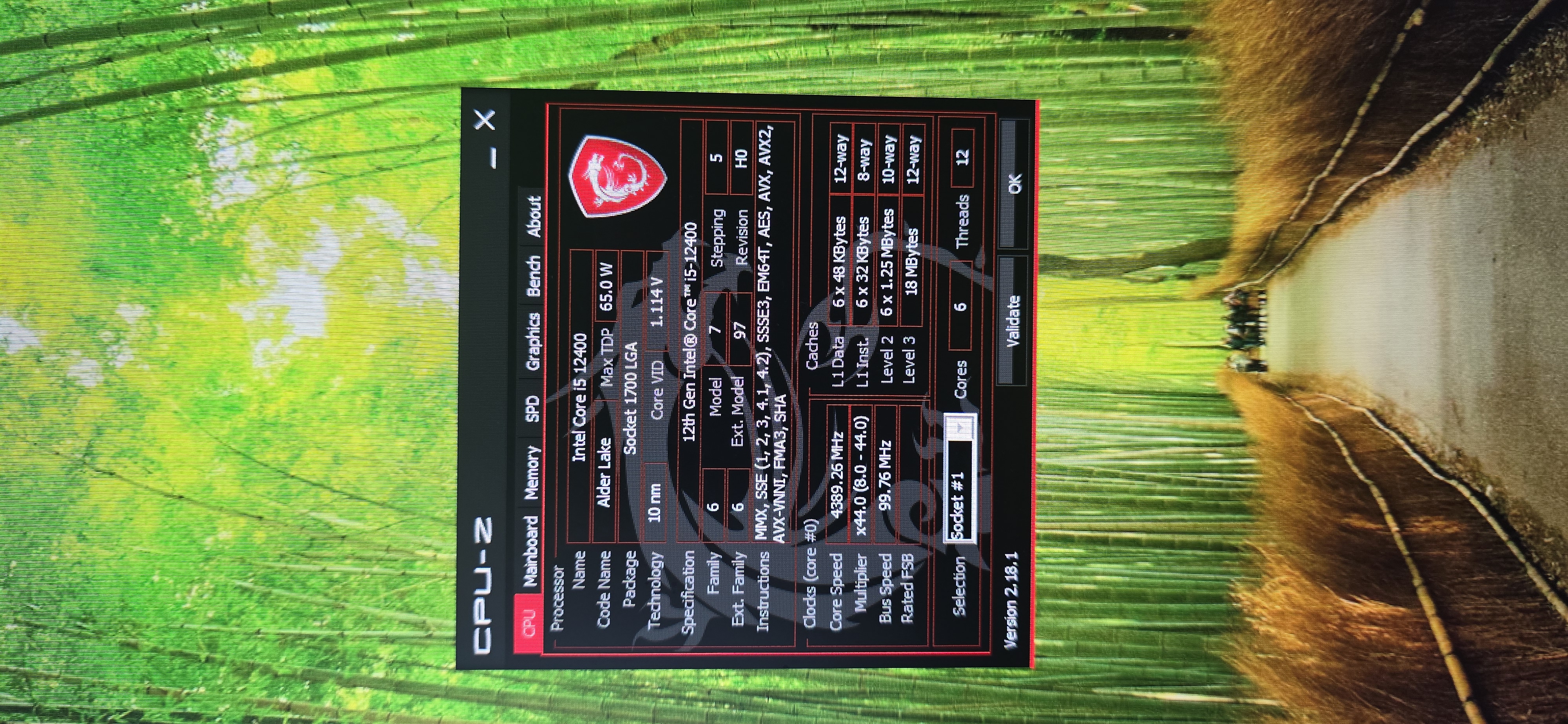
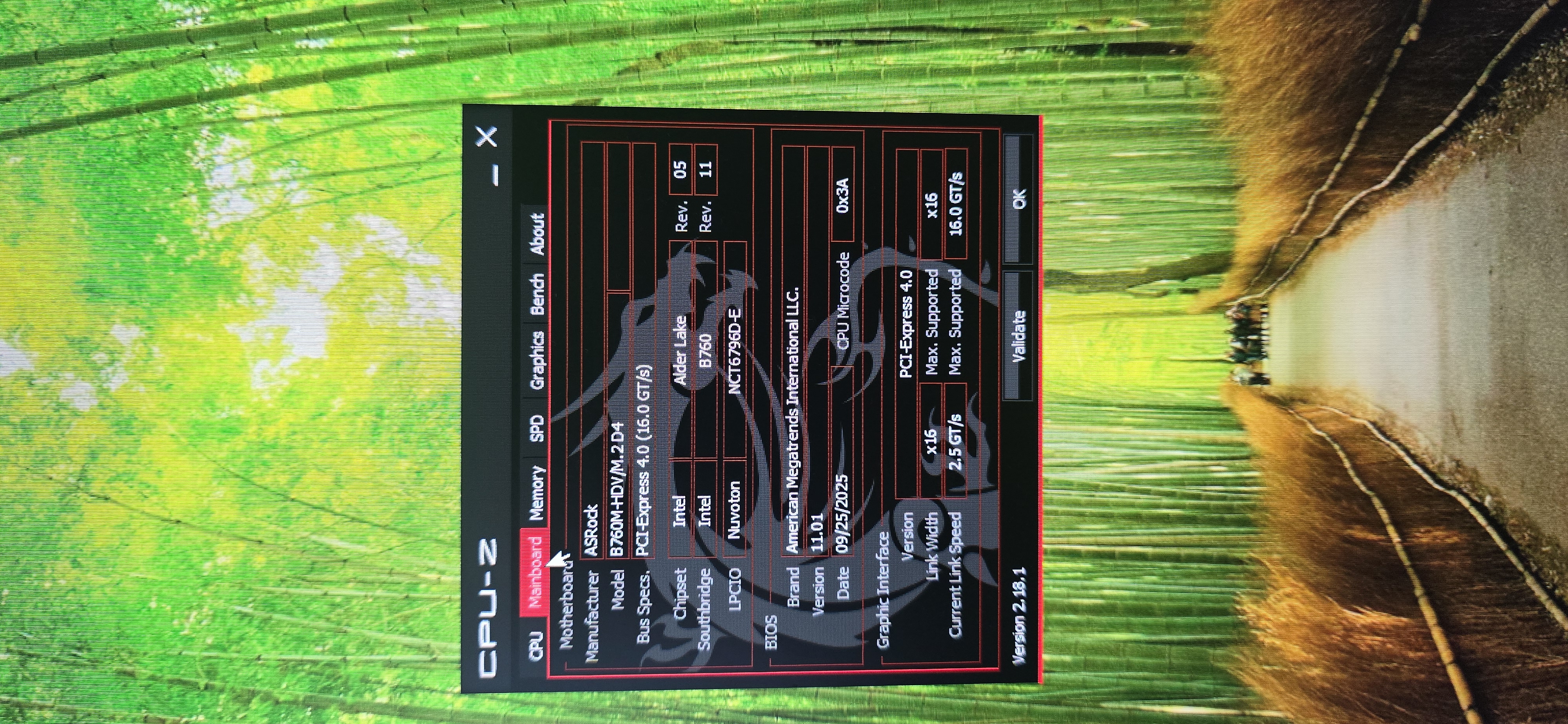
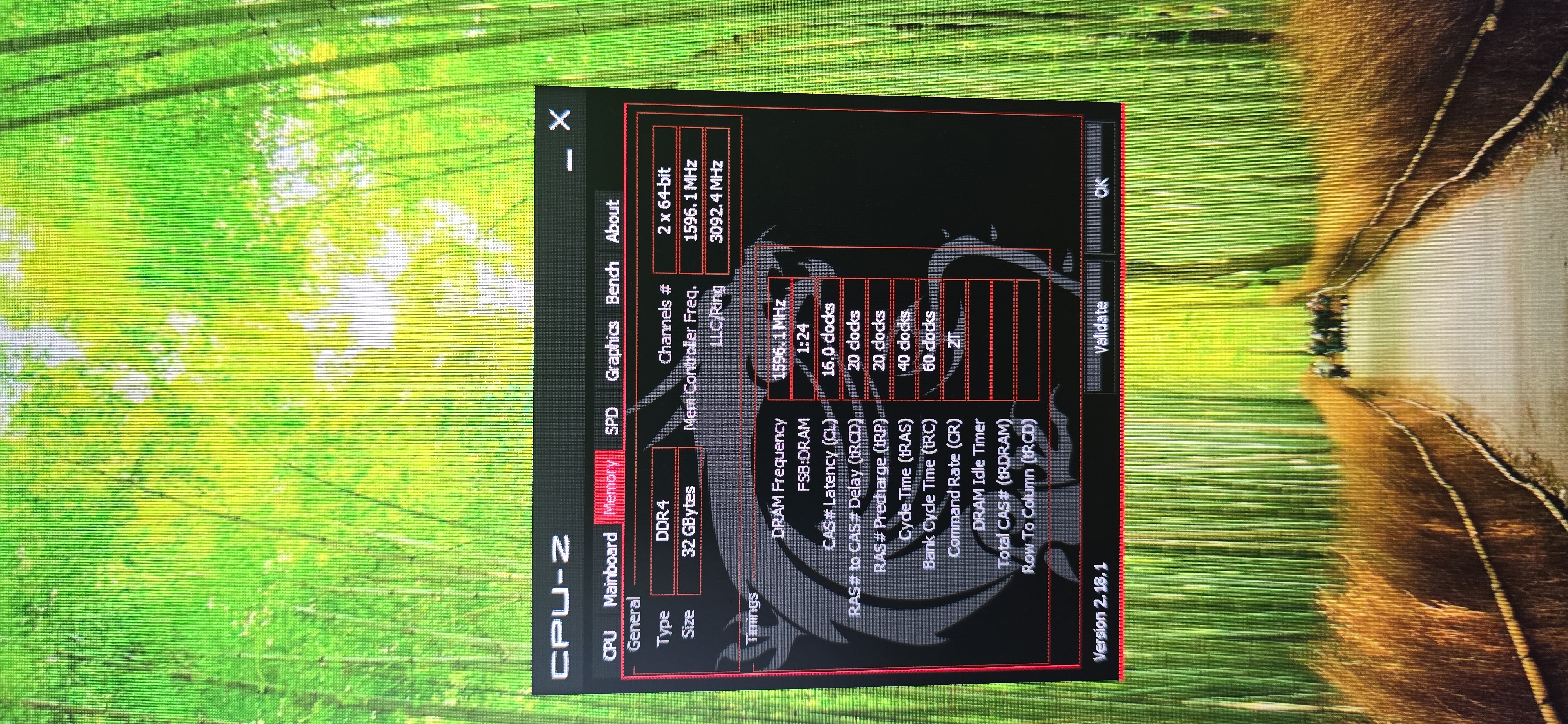
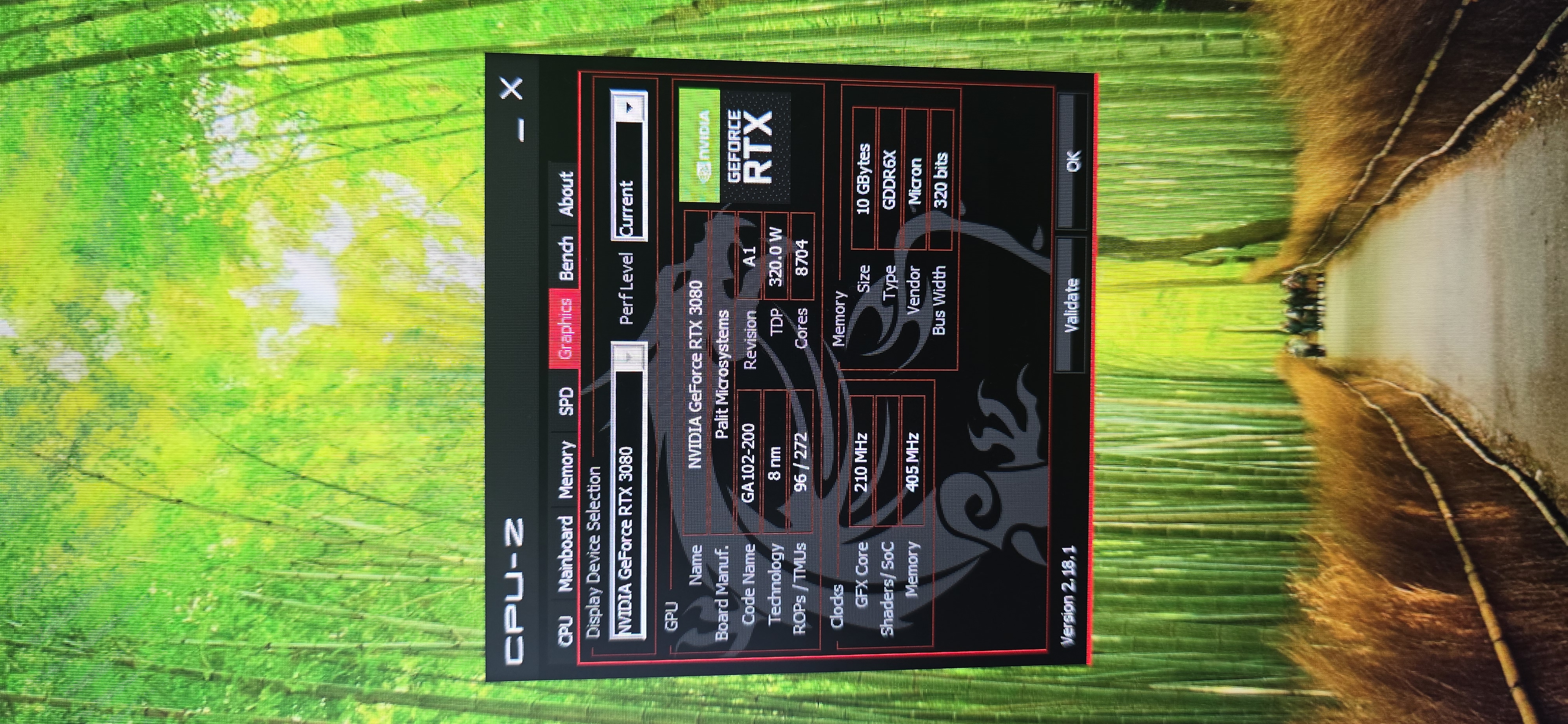
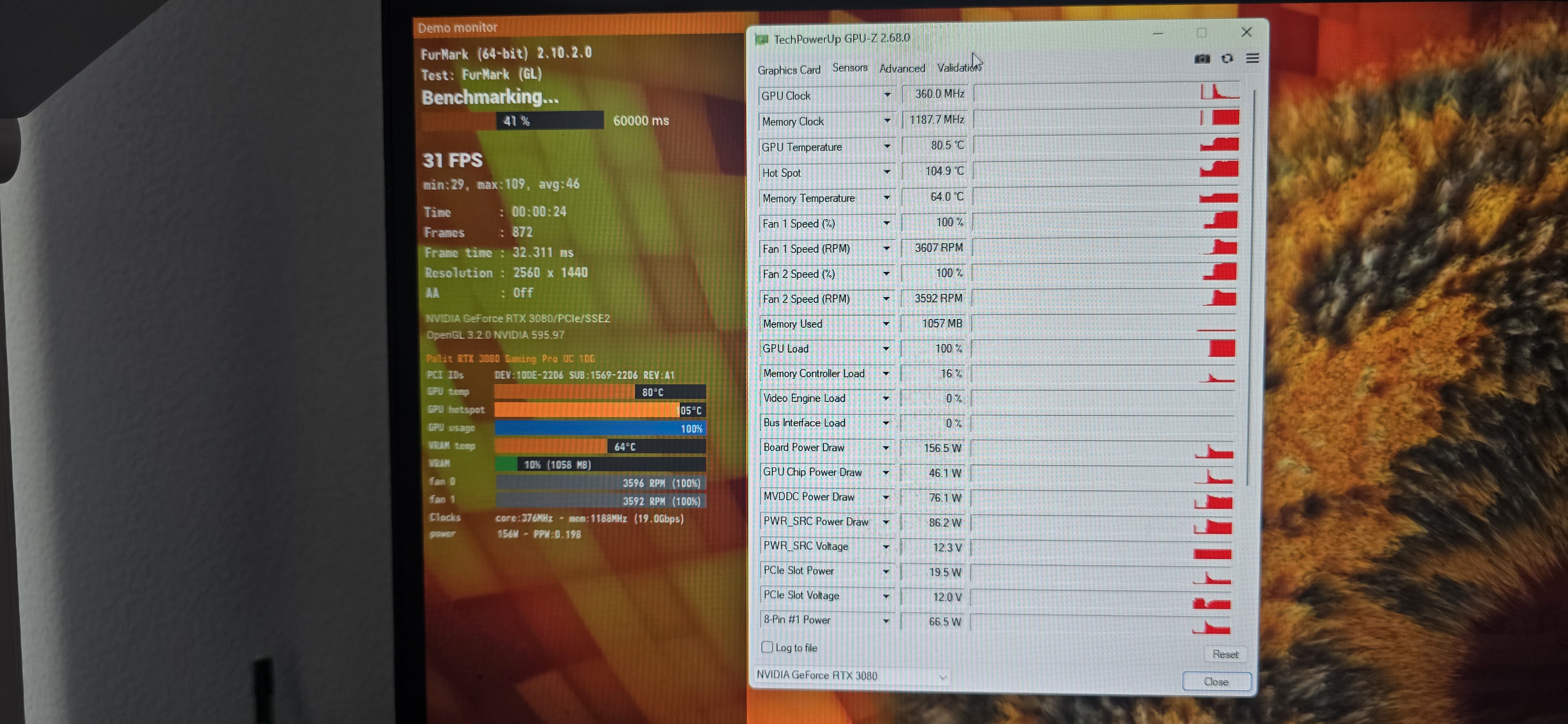
title: “Architect’s Workstation Upgrade & RTX 3080 Thermal Throttling Analysis” date: 2026-06-21T12:00:00+03:00 draft: false description: “Upgrading a local infrastructure architect’s lab. Diagnosing severe RTX 3080 thermal throttling and planning VRM/VRAM maintenance to restore 320W TDP.” tags: [Hardware, Workstation, RTX3080, Troubleshooting] The Context (Business Challenge / Problem): Maintaining an optimal local environment is critical for an Infrastructure Architect working with Proxmox, Docker, and preparing for the CKA (Kubernetes) certification. I recently migrated my primary workstation to an Intel Core i5-12400 with 32GB of DDR4—currently the most cost-effective platform for running virtualized local labs. However, during stress testing, the Palit RTX 3080 GPU exhibited severe thermal throttling. Instead of operating at its design power envelope of 320W-330W under heavy load, the card drastically downclocked, dropping power consumption to just 140W to prevent critical silicon damage. The Architecture & Work (Solution): The core platform rebuild was a success, providing a stable and highly efficient foundation for complex routing and containerized workloads. To address the GPU bottleneck, I analyzed the hardware telemetry. The issue stems from degraded thermal pads on the GDDR6X memory modules and VRM. GDDR6X runs notoriously hot, and once it hits the 105°C+ junction temperature limit, the firmware aggressively throttles performance. The engineering solution requires a complete teardown of the cooling system, precise PCB cleaning, and the application of high-performance thermal pads with exact thickness tolerances to bridge the gap between the components and the heatsink.
Real-time monitoring of GPU power draw, temperatures, and active throttling reasons
watch -n 1 nvidia-smi –query-gpu=temperature.gpu,temperature.memory,power.draw,clocks.sm,throttle_reasons.active –format=csv