The Context (Business Challenge / Problem): When a critical client workstation or edge node suffers a catastrophic hardware failure (e.g., motherboard short or degraded power delivery), time is of the essence. Reinstalling the OS, configuring specific enterprise software, and restoring data from backups can easily result in 4 to 8 hours of business downtime. In this case, the client experienced a hardware failure, but the NVMe storage remained intact. The business required the system to be back online immediately with zero configuration loss.
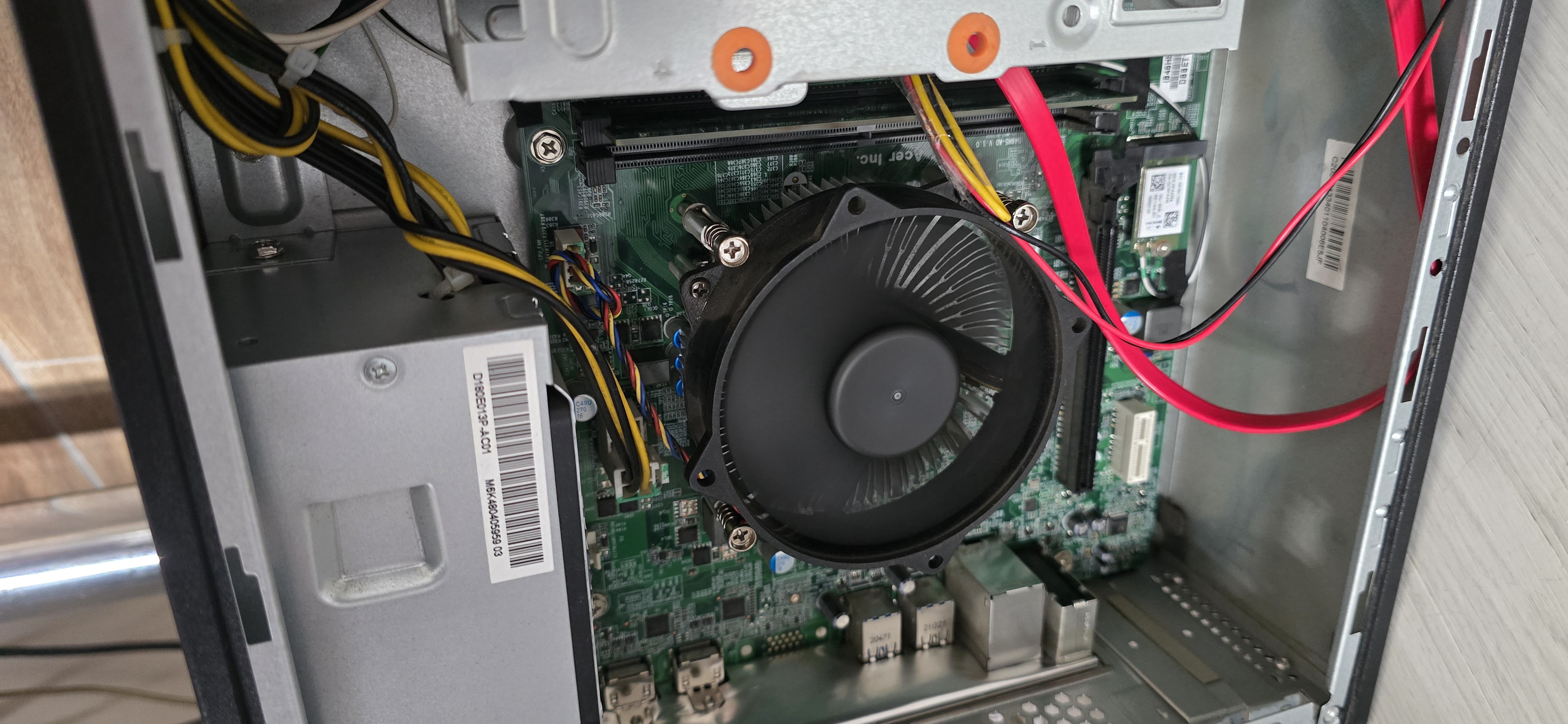
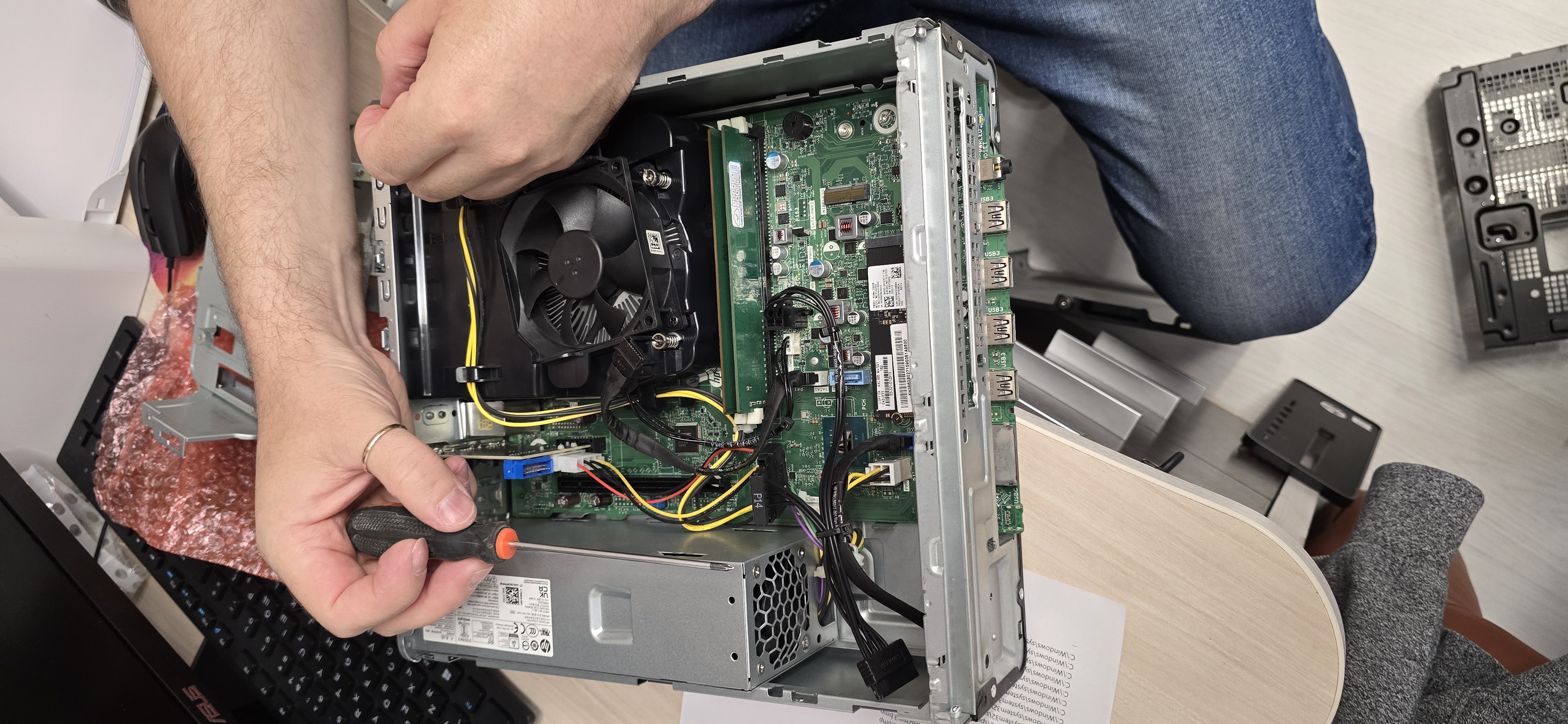
The Architecture & Work (Solution): Instead of a traditional rebuild, I opted for a direct hardware swap (Lift-and-Shift). I provisioned an identical replacement chassis featuring the exact same chipset and CPU generation. This ensures the Windows kernel does not trigger a HAL (Hardware Abstraction Layer) panic or Blue Screen of Death (BSOD) upon boot.
However, transferring an NVMe drive isn’t just about turning screws. As a Senior Architect, I account for hardware security mechanisms and network bindings. Before moving the drive (if the old system was partially accessible) or immediately upon booting via a WinPE environment, TPM states and BitLocker keys must be managed to prevent lockout. Furthermore, the new motherboard introduces a new MAC address, which breaks static IP configurations and DHCP reservations.
# PowerShell: Pre-migration BitLocker suspension to prevent TPM lockout on the new chassis
Suspend-BitLocker -MountPoint "C:" -RebootCount 1

# Verifying TPM readiness on the new identical platform
Get-Tpm | Select-Object TpmPresent, TpmReady, TpmEnabled

# Post-migration: Re-applying the static IP configuration to the new NIC MAC address
$NewNic = Get-NetAdapter | Where-Object {$_.Status -eq "Up"}
New-NetIPAddress -InterfaceIndex $NewNic.InterfaceIndex -IPAddress "192.168.10.50" -PrefixLength 24 -DefaultGateway "192.168.10.1"
Set-DnsClientServerAddress -InterfaceIndex $NewNic.InterfaceIndex -ServerAddresses ("192.168.10.10", "8.8.8.8")
After physically transferring the NVMe drive and seating the CPU cooler, I updated the UEFI firmware on the new board to match the client’s security baseline, cleared the old TPM keys, and securely booted into the preserved OS environment.
The Takeaway (Business Value): The lift-and-shift approach reduced recovery time from an estimated 5 hours to just 20 minutes. The client retained all highly specific local configurations, cached credentials, and software licenses. This demonstrates that deep hardware compatibility knowledge combined with proper security key management is what separates standard break-fix support from enterprise-grade infrastructure engineering.